
Spaceful
Free up phone space safely, with practice mode and a 7-day undo.
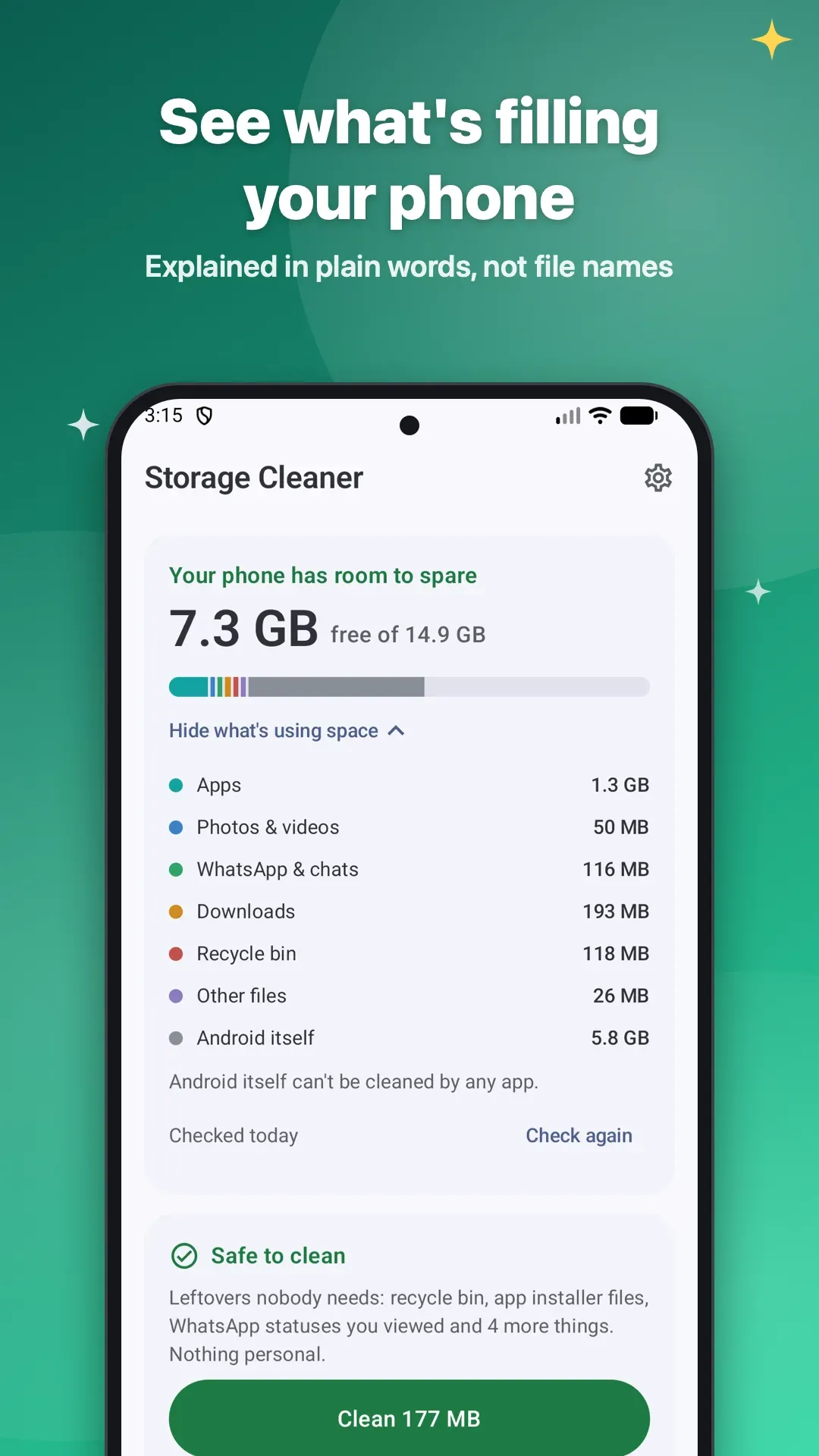
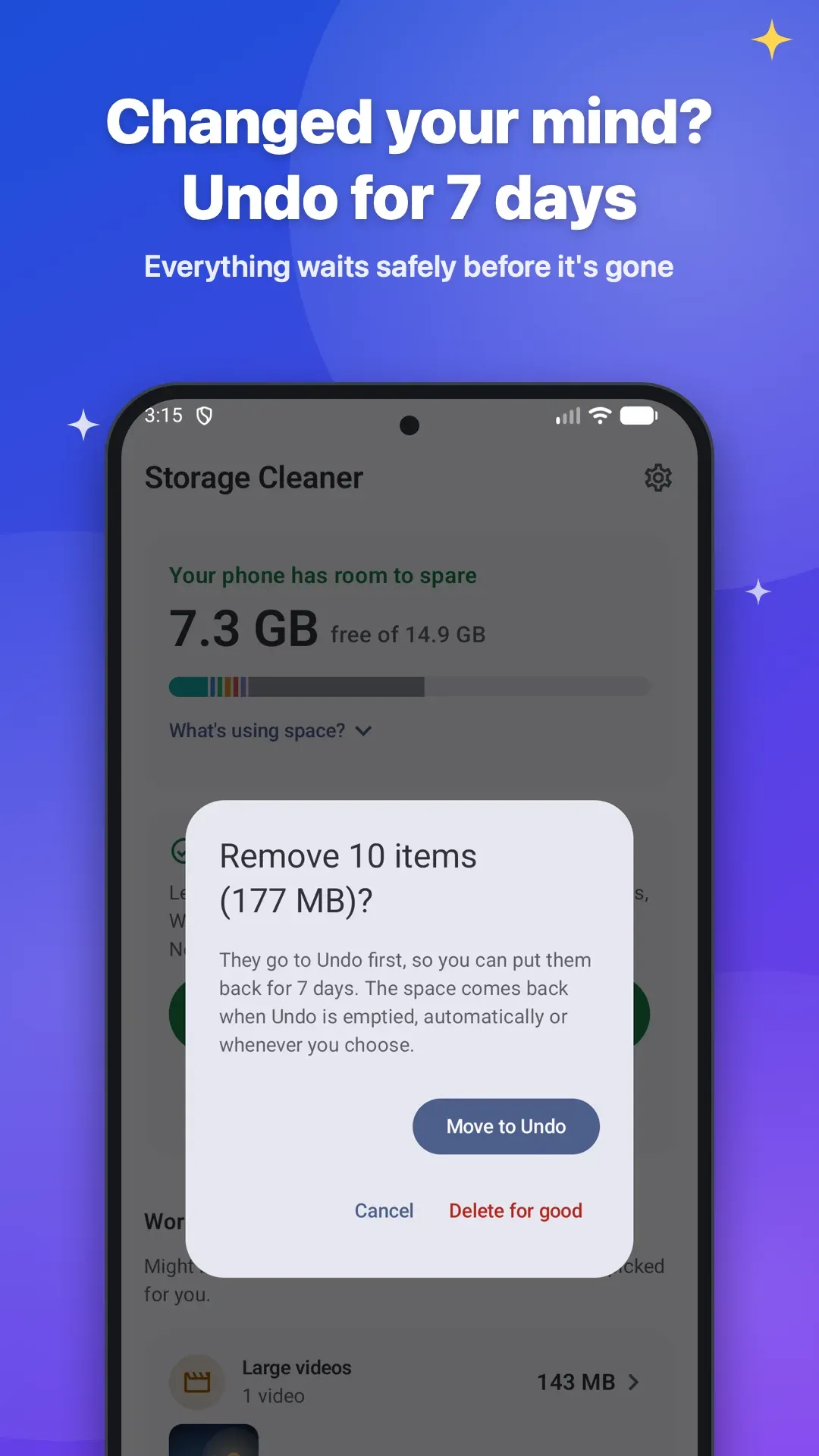
Spaceful shows what is filling your Android phone in plain words, then helps you clear big WhatsApp videos, duplicate and blurry photos, old downloads and leftover app folders without losing anything you care about. It starts in practice mode, and by default everything you remove can be put back for 7 days.
Coming soon to Google Play
What it does
Careful by default.
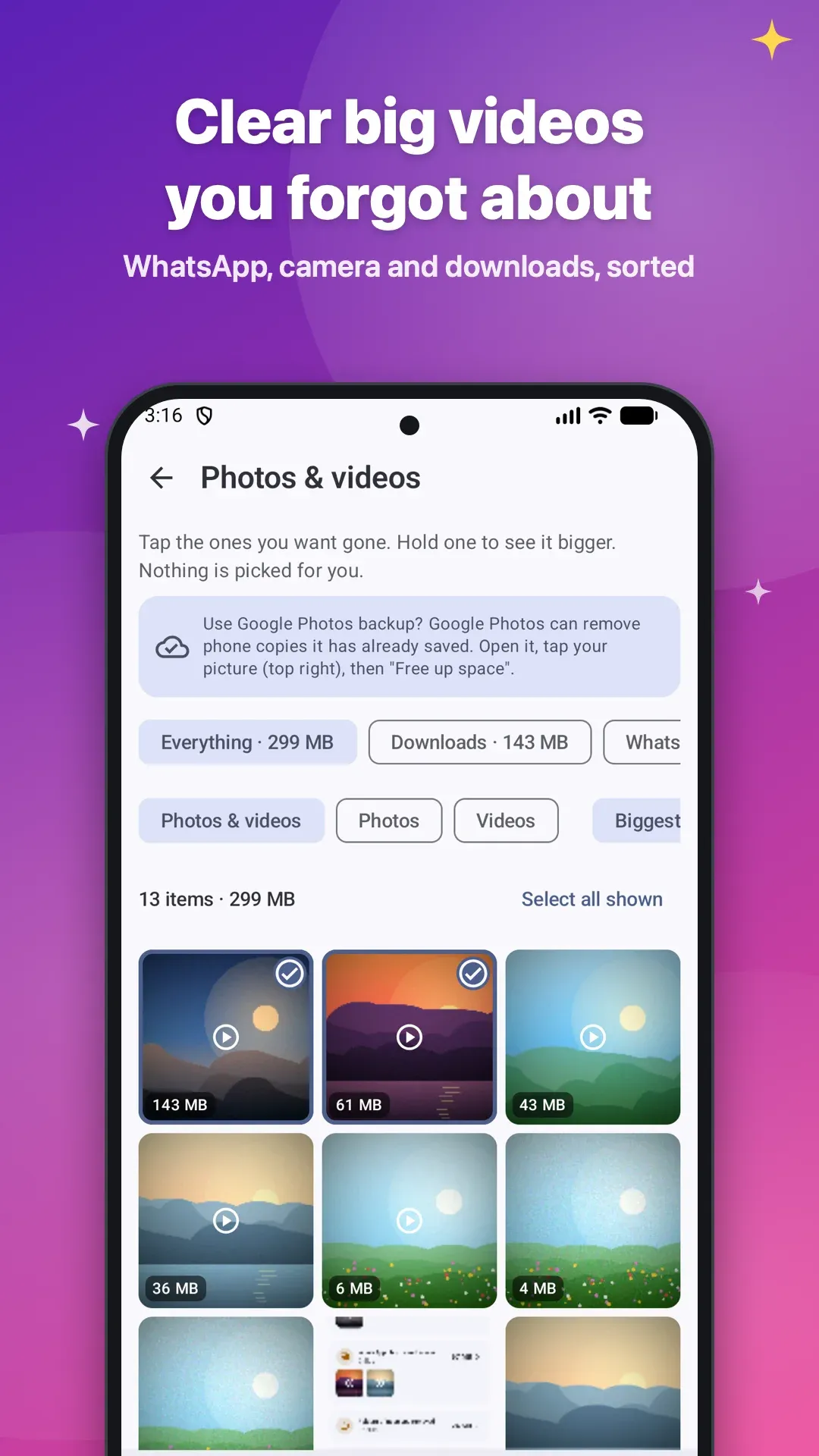
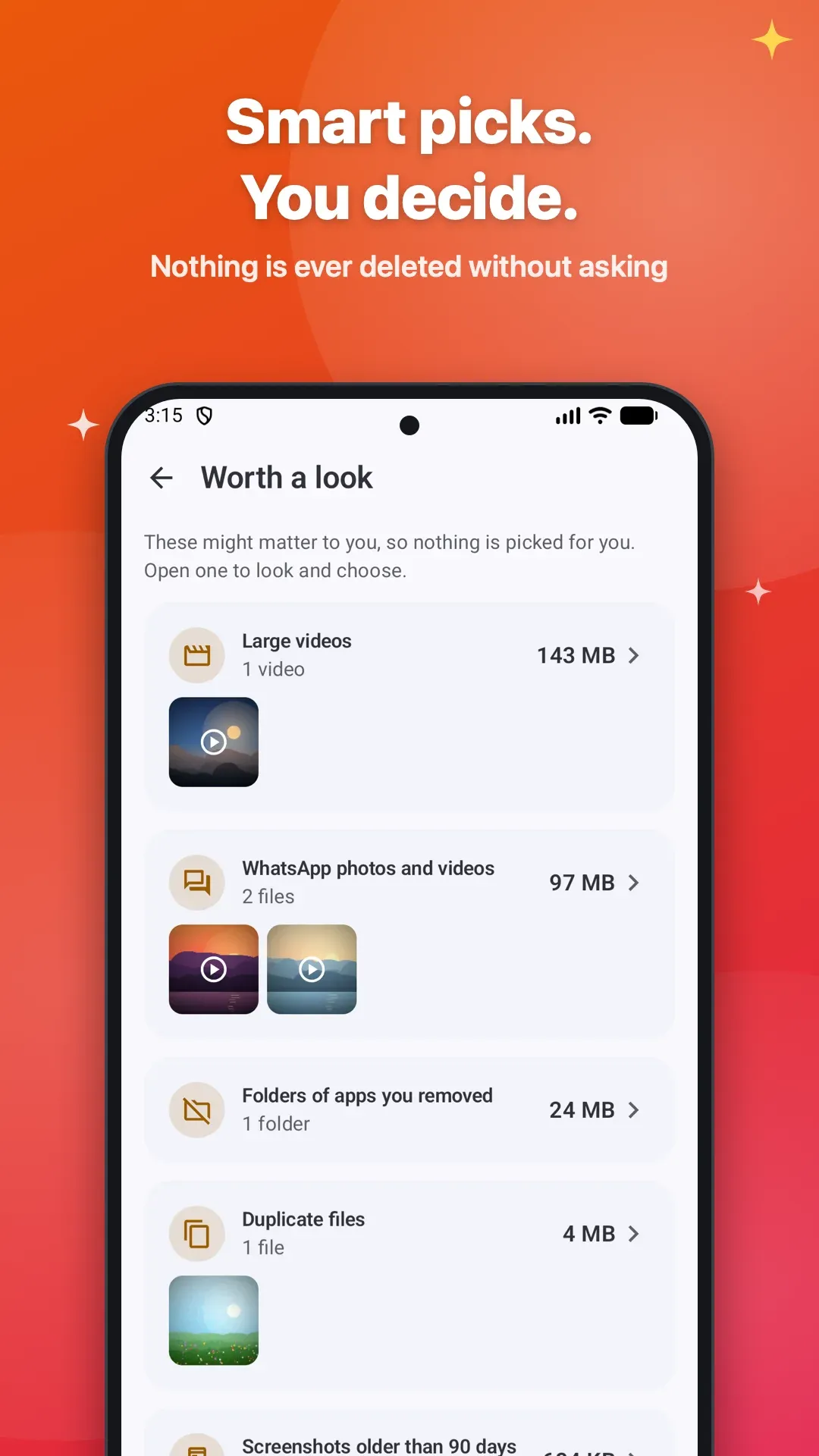
- Big videos you forgot about, in WhatsApp, Downloads and elsewhere, sorted by size
- Duplicate files and near-identical photos, keeping the sharpest one
- Blurry photos, old screenshots and app installer files you no longer need
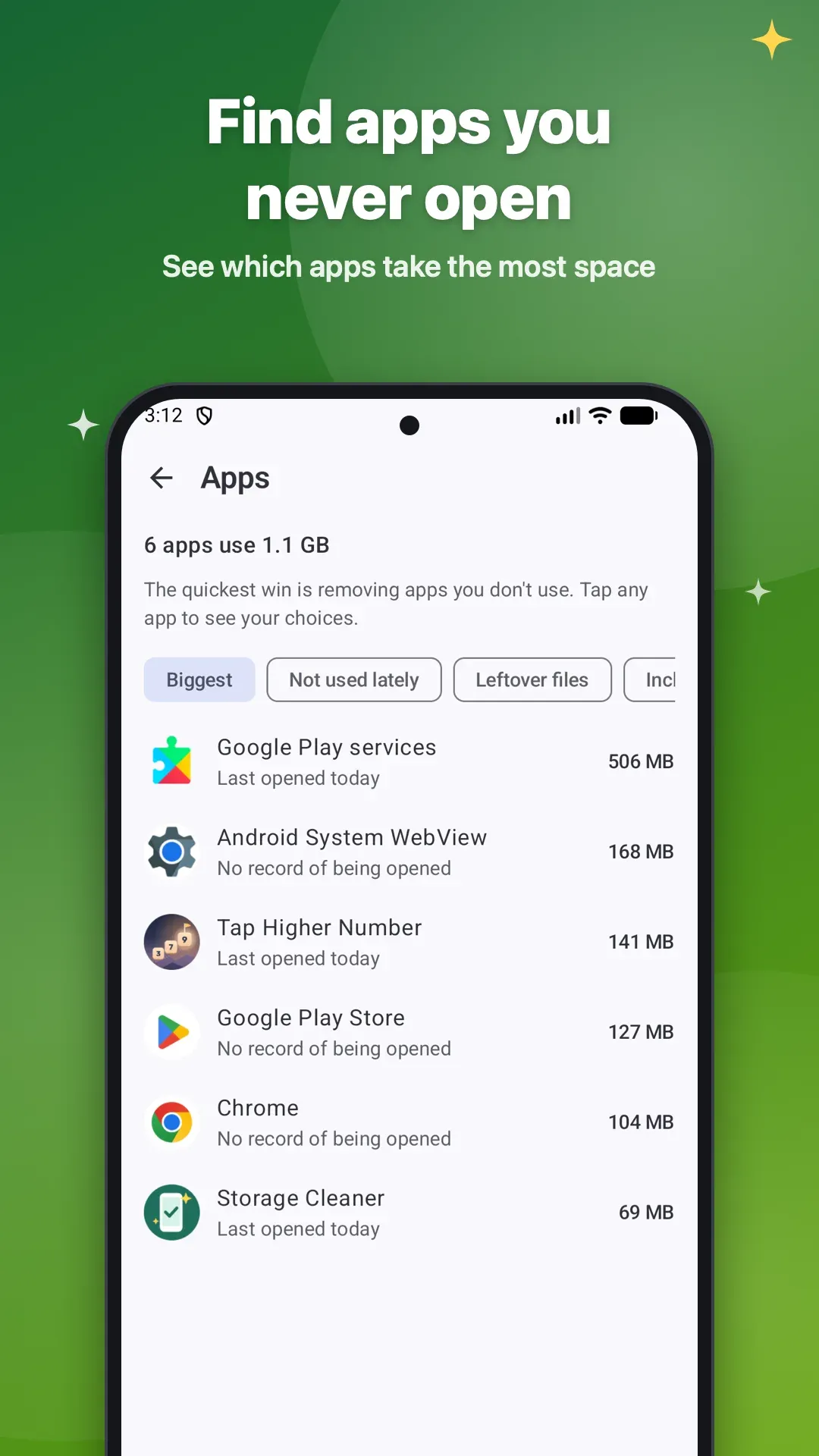
- Folders left behind by apps you uninstalled, and apps you never open
- Practice mode at first, so you can try everything with nothing removed
- Nothing picked for you in personal folders; the one-tap clean never touches camera photos or documents
- Removed files wait in Undo for 7 days, unless you choose to delete them for good
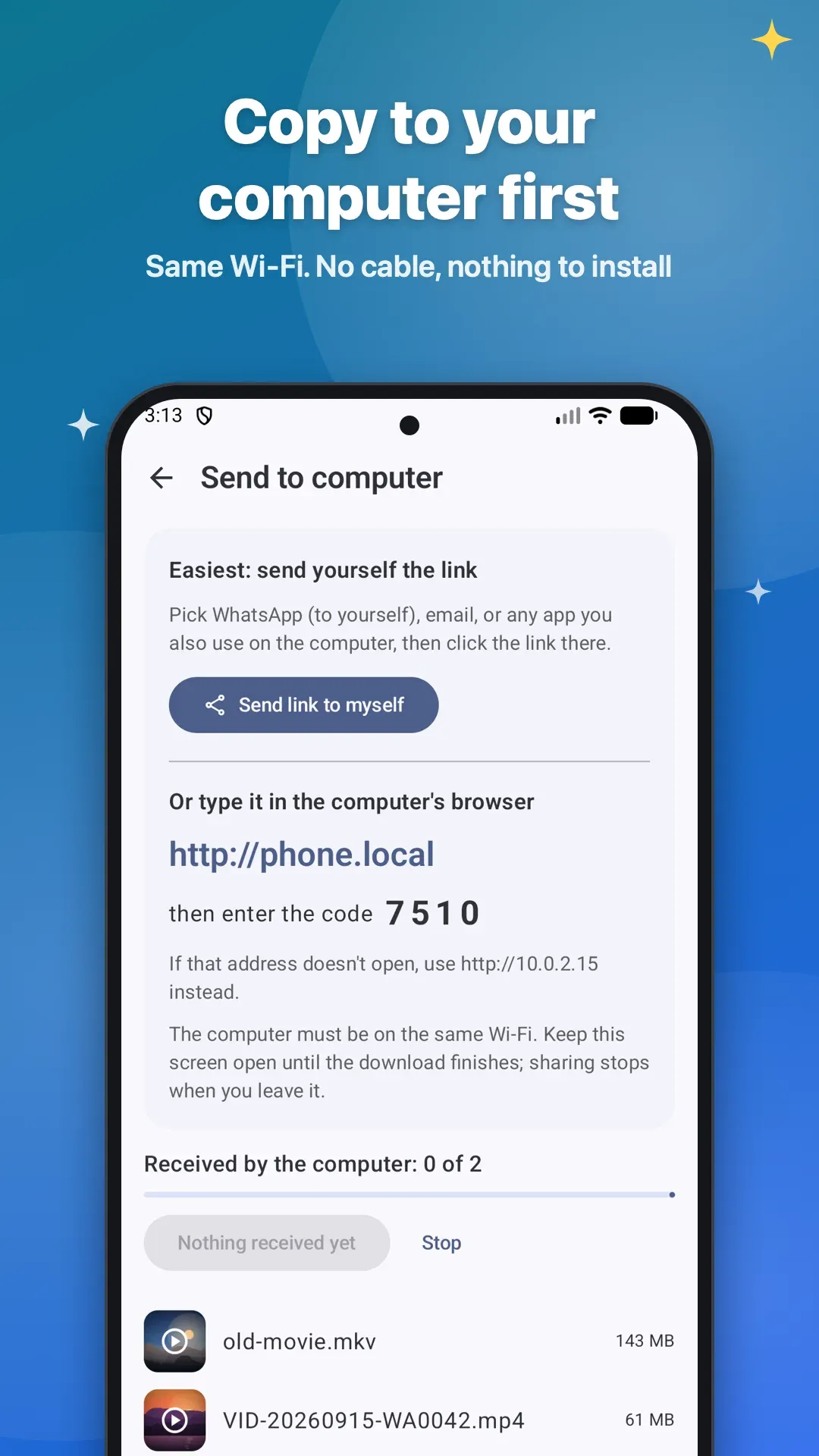
- Copy photos and videos to your computer over your own Wi-Fi first, with no cable and nothing to install
Quick facts
Before you install.
- Price
- Free
- Ads
- None
- In-app purchases
- None
- Works offline
- Yes, no connection needed
- Account
- None needed
- Platforms
- Android (Google Play)
- Status
- Coming soon
Questions
Asked and answered.
- Does Spaceful work offline?
- Yes, Spaceful works without an internet connection.
- Do I need an account to use Spaceful?
- No. There is no sign-up; just install it and start.
- Where can I get Spaceful?
- Spaceful is coming soon to Android (Google Play).
- Will it delete my photos automatically?
- No. Photos are removed only when you select them yourself. The one-tap clean never touches camera photos, WhatsApp chat backups or documents.
- How do I free up space taken by WhatsApp?
- Open WhatsApp photos and videos, sorted by size. Copy anything you want to keep to your computer or Google Drive, then remove it from the phone.
- Why does it need All files access?
- To find large and duplicate files across your storage and move the ones you choose to Undo. Android only lets file managers and cleaners do this with that permission. Your files are never uploaded to us.
- Does it speed up my phone or save battery?
- No. It frees storage space. It does not claim to boost speed, cool the phone or save battery.
- Why can't it clear the space Android itself uses?
- Android (the system) uses several GB that no app is allowed to clean. Spaceful shows how much, so you know what is really possible.
- Something else?
- Write to contact@hamperpick.in.