
Facing Page
Learn a language by reading real books, with the English on the facing page.
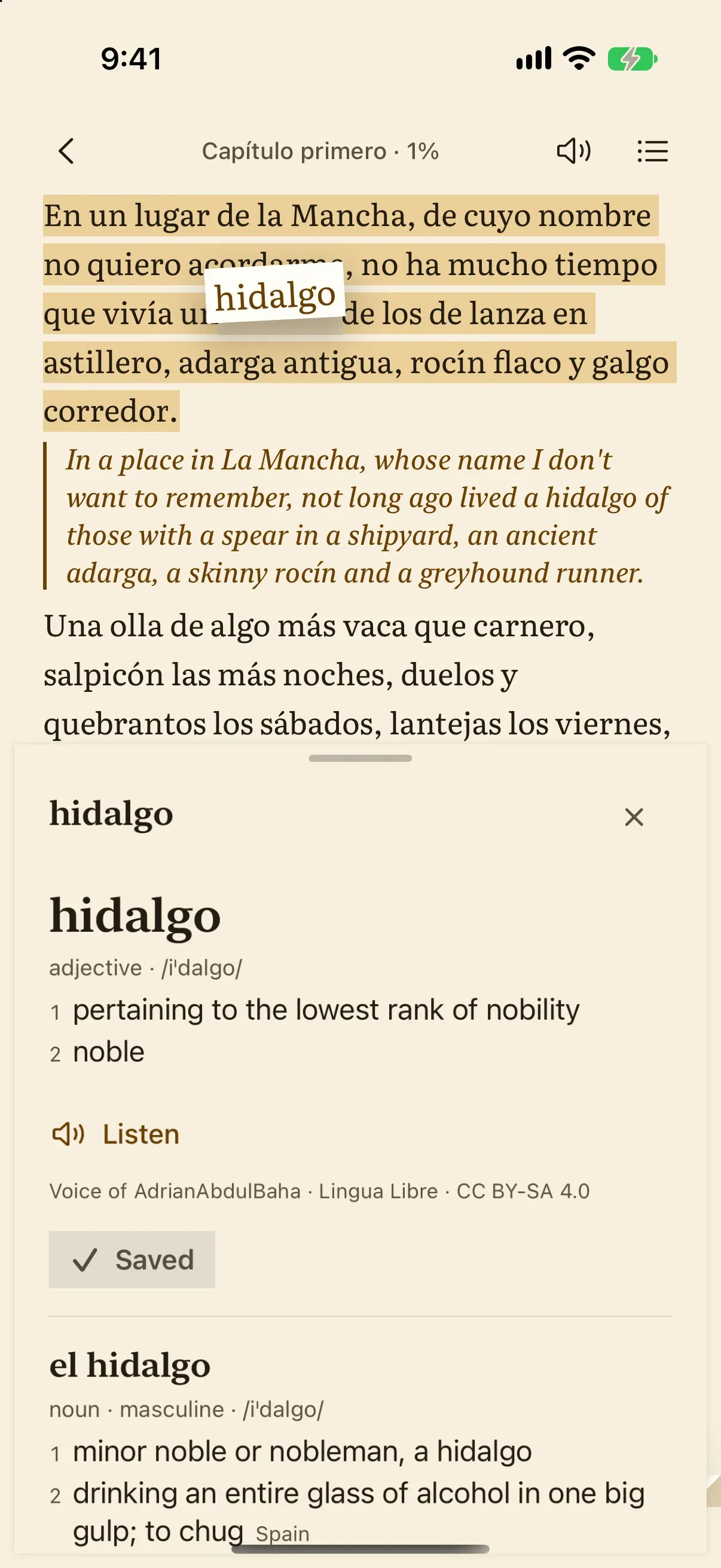
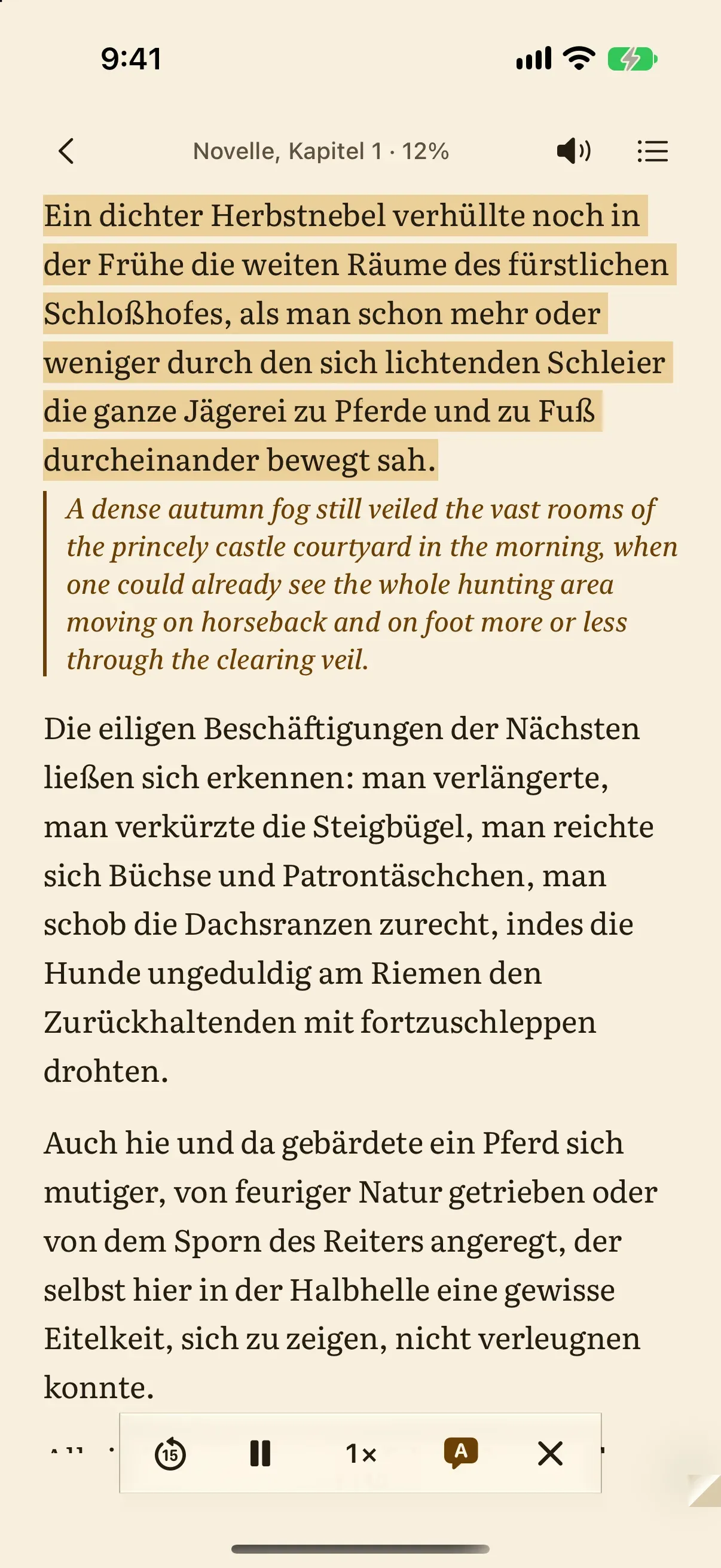
Facing Page is a bilingual parallel-text reader for iPhone and iPad. A book in Spanish, French, German, Italian or Portuguese sits beside its English translation, sentence by sentence, like a printed parallel-text edition; Apple's translation makes the English on your device. Tap any word for its meaning and a recording of a person saying it, listen to classics read by LibriVox volunteers, and review the words you save in the sentence where you met them. Public-domain classics are built in, and you can add your own EPUB books and articles from Safari.
Coming soon to the App Store

What it does
Inside Facing Page
- The original and its English translation on facing pages, matched sentence by sentence
- Tap any word for its meanings from Wiktionary, its forms and a recording of a person saying it
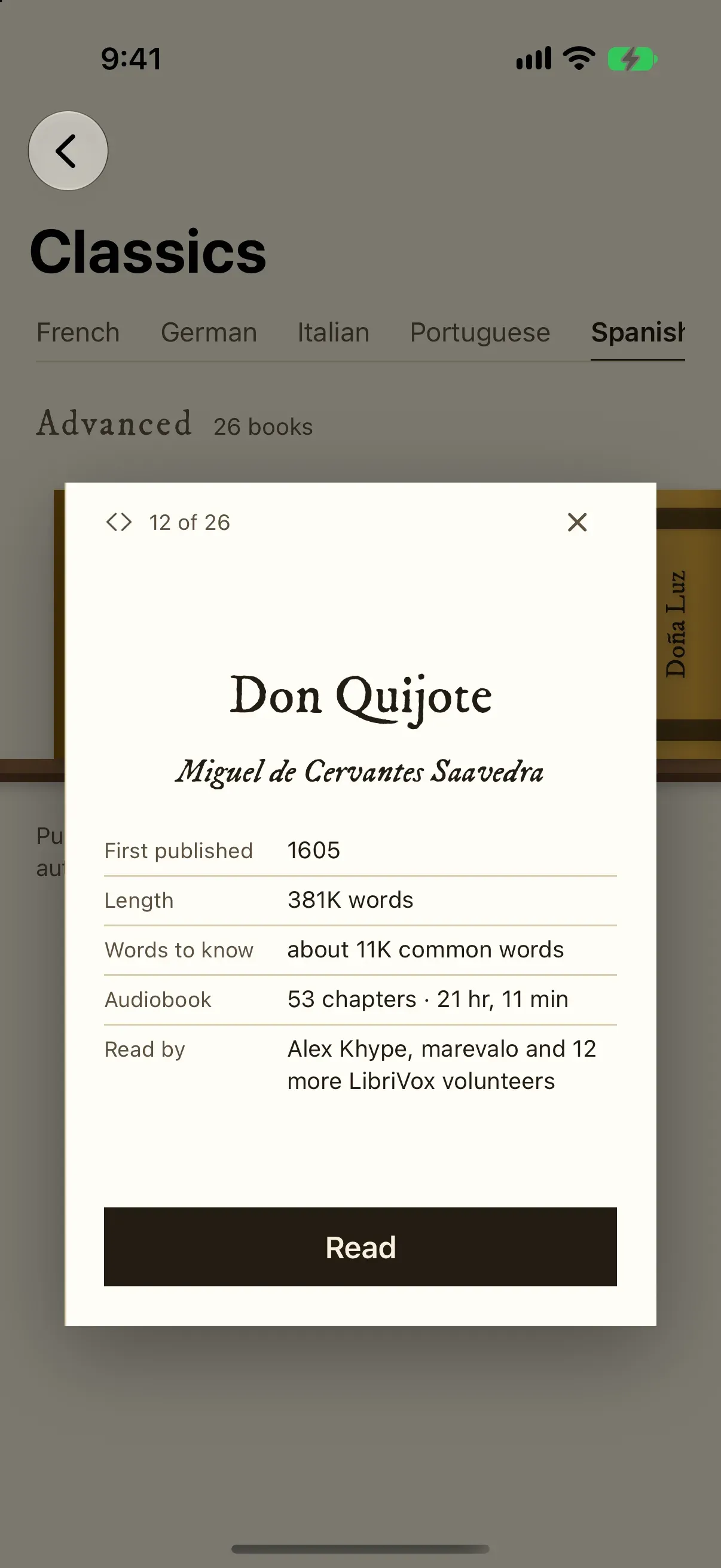
- Public-domain classics in five languages, easiest first, with more added over time
- Audiobooks read by LibriVox volunteers, with the sentence being read lit on the page
- For some classics, the same passage from a published English translation of the time
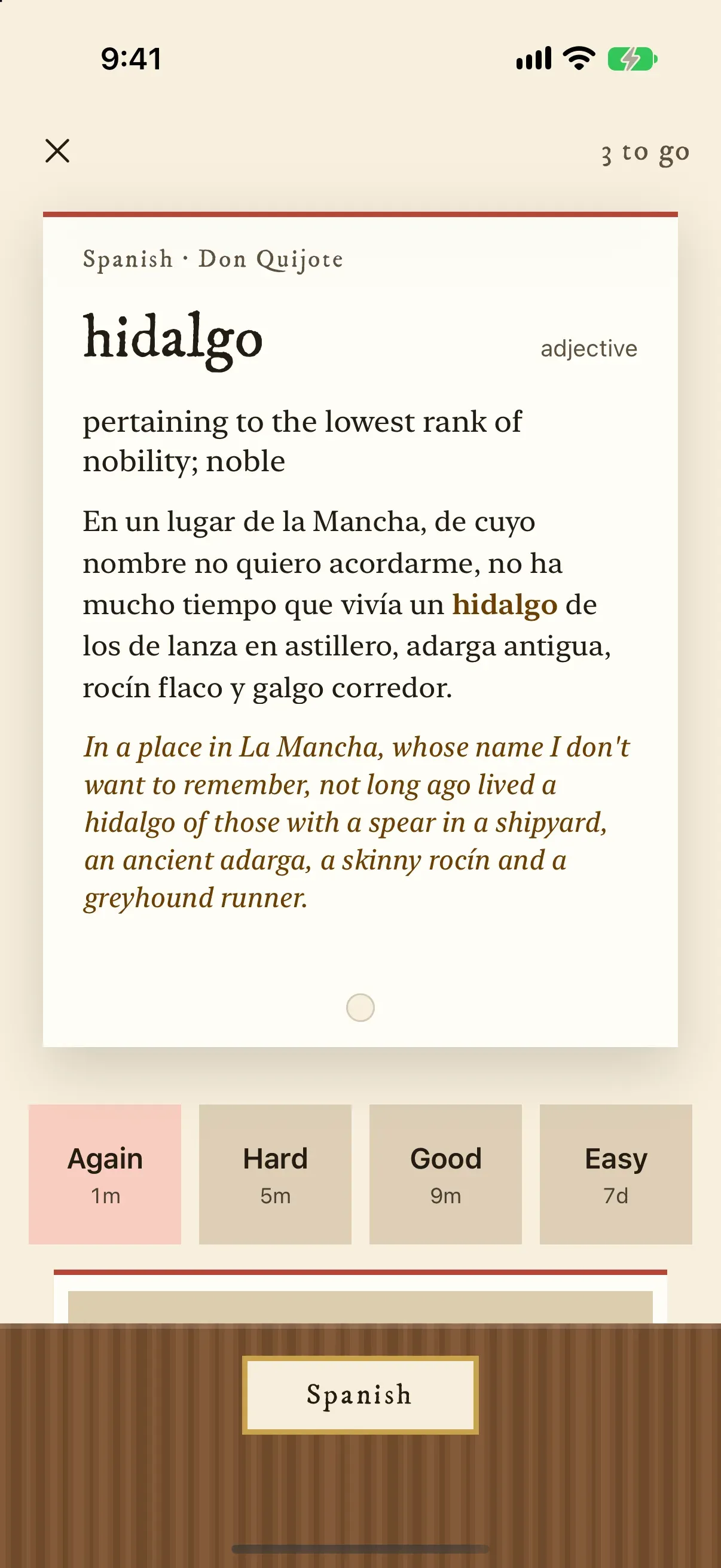
- Saved words come back in their sentence, scheduled by FSRS spaced repetition, and export to Anki
- Your own EPUB books without DRM and plain-text files, and articles saved from Safari
- Made for iPhone Duo open, half-open and closed, and for iPad
Quick facts
Before you install.
- Price
- Free to download · Facing Page Pro monthly, yearly or once
- Ads
- None
- In-app purchases
- Subscription (Facing Page Pro)
- Account
- None needed
- Platforms
- iPhone and iPad (App Store)
- Status
- Coming soon
Questions
Asked and answered.
- Do I need an account to use Facing Page?
- No. There is no sign-up; just install it and start.
- Where can I get Facing Page?
- Facing Page is coming soon to iPhone and iPad (App Store).
- Which languages can I learn with Facing Page?
- Spanish, French, German, Italian and Portuguese, read from English. The built-in classics, the dictionaries and the recordings cover those five.
- Does Facing Page send my books or the text I read anywhere?
- No. Translation runs on your device with Apple's Translation, and the books, articles and words you save stay on your device. There is no account.
- Do I need an internet connection?
- Only to download things the first time, such as a language for Apple's Translation, a dictionary or an audiobook. After that, reading, translation and word cards work offline.
- Can I read my own books?
- Yes, with Facing Page Pro. Add EPUB books without DRM and plain-text files from the Files app, or drop them onto the library on iPad. Books bought in Kindle or Apple Books are locked to those apps, and PDFs can't be added because their text comes without paragraphs.
- Who reads the audiobooks?
- Volunteers of LibriVox, who record public-domain books. Each audiobook names its readers.
- What is included without Facing Page Pro?
- Translation and word lookups without limits, the first classic you add in full and the opening chapter of every other one, up to 50 saved words with review, and 3 web articles a week.
- How do I cancel or change my subscription?
- Facing Page Pro is billed by Apple. In Facing Page, open Settings and choose Manage subscription, or open the Settings app on your iPhone, tap your name, then Subscriptions. If you cancel, you keep Facing Page Pro until the end of the period you have paid for. Buying Pro once has nothing to cancel.
- I already have Facing Page Pro. How do I get it on a new iPhone or iPad?
- Sign in with the same Apple Account, open Facing Page, go to Settings and choose Restore purchases.
- How do I get a refund?
- Apple handles payments and refunds for the App Store. Ask for one at https://reportaproblem.apple.com.
- How do I get help or suggest a book?
- In Facing Page, open Settings and choose Ask for help or Suggest a feature or a book. Each opens an email to us in your Mail app. You can also write to contact@hamperpick.in.
- Something else?
- Write to contact@hamperpick.in.
Step by step